TapMap: Free, open-source network map
TapMap is a free, open-source application that visualizes network connections on a global map, offering insights into geolocation and connection details.
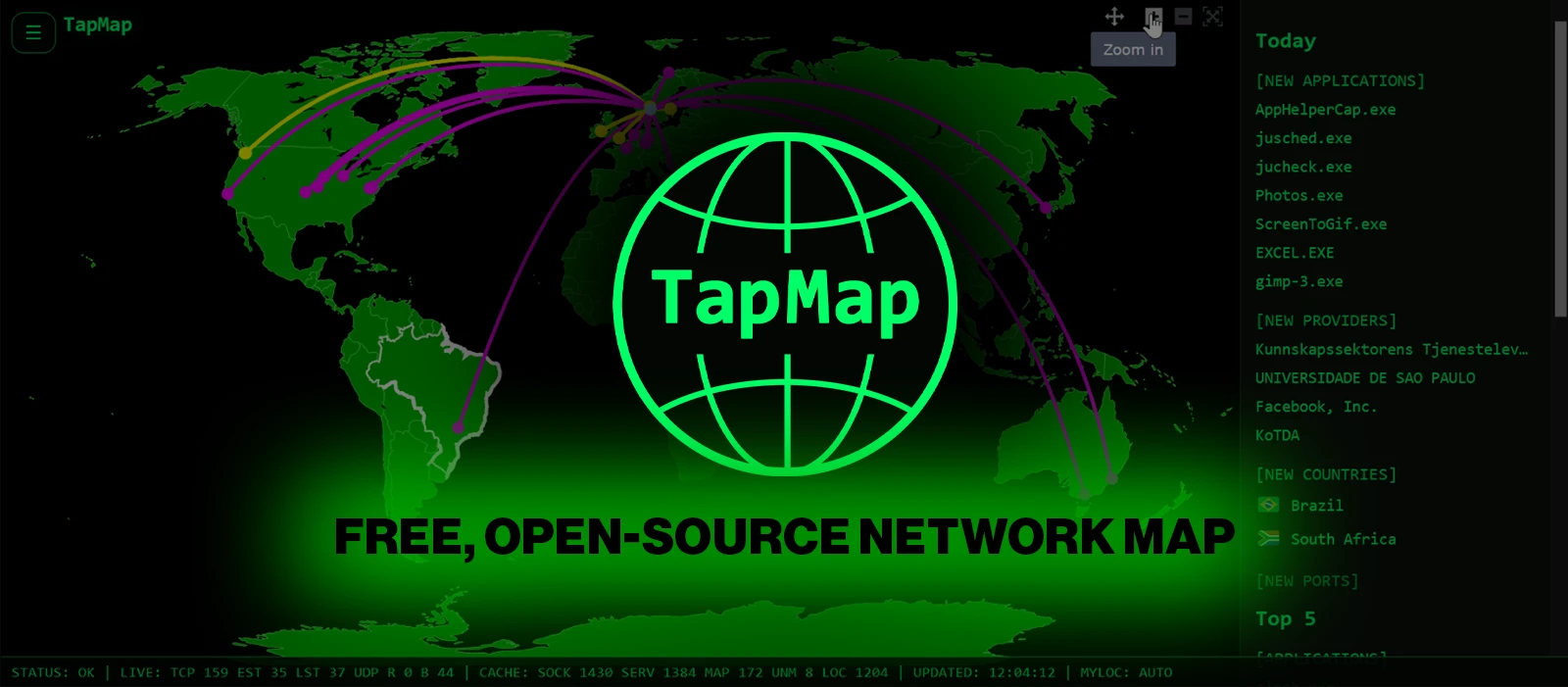
TapMap is a new free, open-source desktop application that allows users to visualize their computer's active network connections on an interactive world map, providing insights into the geolocation of remote IP addresses.
TapMap is designed to enhance network visibility by plotting active connections on a world map. It scans open sockets, retrieves remote IP addresses, and utilizes a local GeoIP database to display approximate locations. The application allows users to click on connections to learn more about the applications behind them. Ola Lie, the developer, emphasizes that the locations are based on approximations and may not reflect the actual physical locations of network endpoints.
The application operates by grouping connections according to their ASN, or autonomous system number, which identifies the network operator rather than the service owner. This distinction is crucial for understanding the data TapMap presents, as it may not always indicate the true owner of the service being accessed. Lie notes that while some GeoIP databases provide a radius for accuracy, this does not guarantee reliability, especially for anycast services, which can complicate geolocation.
In simple terms, TapMap functions by collecting data about your computer's network connections and visualizing it. When a connection is made, TapMap identifies the remote IP address and checks its location using a GeoIP database. This database links IP addresses to geographical locations, allowing TapMap to place a pin on a map. However, the accuracy of this data can vary, and users should be cautious about interpreting the displayed locations as definitive.
The application can affect users who rely on network monitoring for security or performance insights. By providing a visual representation of connections, TapMap helps users identify potential issues or anomalies in their network traffic. The running log feature, which tracks significant connections, adds another layer of utility by alerting users to new applications, countries, and network providers.
Currently, TapMap keeps track of up to 500 recent events labeled as Significant Connections, which are logged from the moment the application is used. Users receive desktop notifications for these connections, which are enabled by default on major operating systems like Windows, Linux, and macOS. The notifications are designed to minimize interruptions by delaying alerts until the application has gathered sufficient data during an initial learning period.
The developer has indicated plans to improve the application further by potentially making geolocation uncertainties more visible and identifying known anycast addresses. However, these enhancements come with challenges, including ensuring reliable classification and managing incomplete coverage of GeoIP data.
What remains unclear is how users will respond to the notifications and whether the planned improvements will effectively address the limitations of current geolocation accuracy. The developer has not specified a timeline for these updates, leaving users to monitor developments.
What it meansTapMap provides a tool for visualizing network connections, which can help organizations monitor their network traffic effectively.
Ask your IT team this weekHow are we currently monitoring our network connections?What tools do we use for geolocation of IP addresses?
DecisionThe IT team should evaluate the implementation of TapMap for network monitoring, and security will check its effectiveness.