Microsoft testing Remote Lock for lost or stolen Windows devices
Microsoft is testing a Remote Lock feature for Windows devices, allowing IT admins to secure lost or stolen devices without data loss.
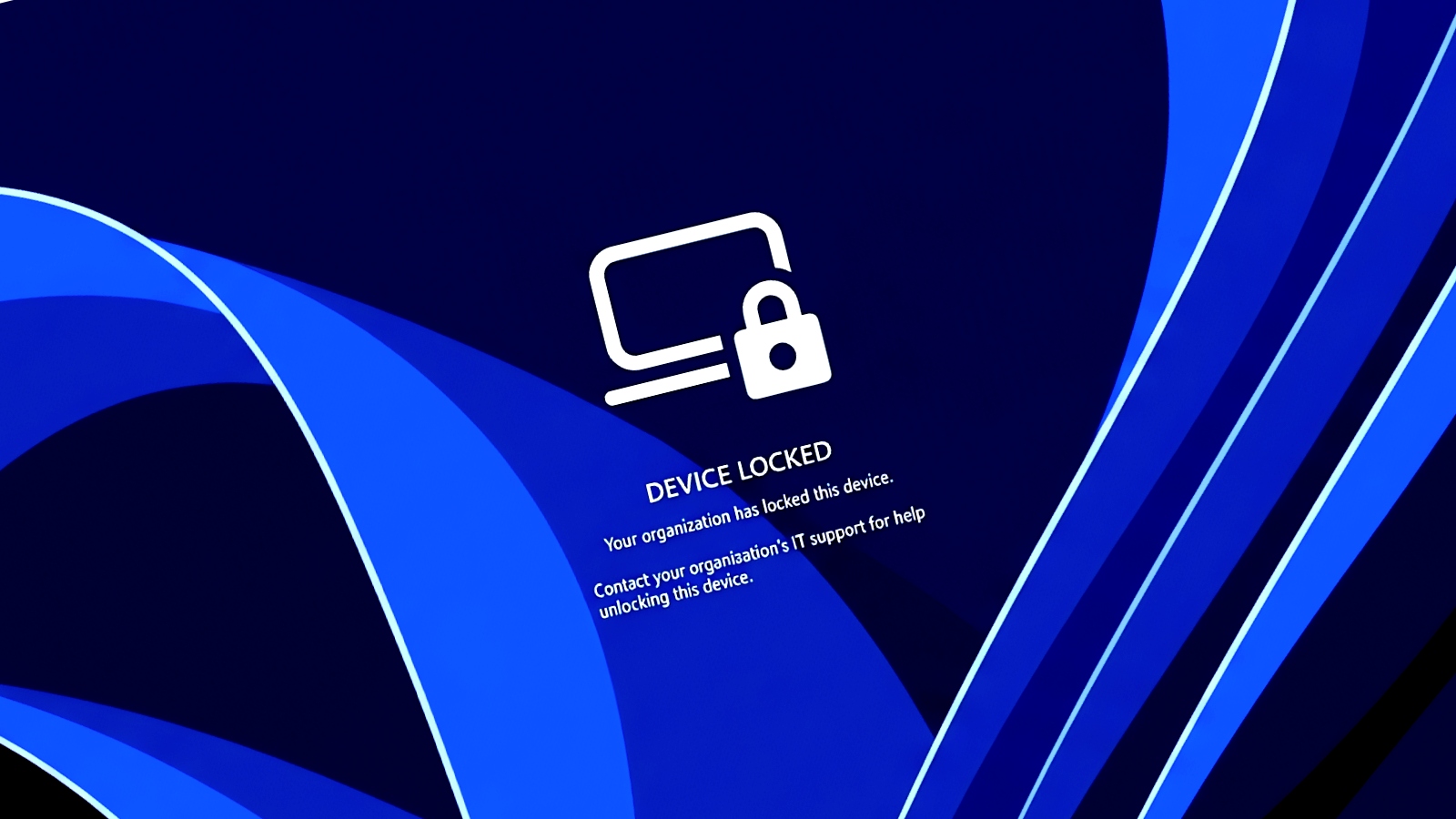
Microsoft is trialing a new feature called Remote Lock, which enables enterprise IT administrators to remotely secure lost or stolen Windows devices without wiping them clean.
The Remote Lock feature is currently available in Windows 11 Insider Preview builds, specifically in the Beta and Experimental channels. This capability allows administrators to lock devices that are either Microsoft Entra-joined, hybrid-joined, or MDM-enrolled, provided they are running Windows Enterprise, Education, or Pro. The feature is particularly significant as it offers a way to secure devices without losing valuable data, which is crucial for enterprises managing sensitive information.
When a device is remotely locked, the only way to unlock it is through Microsoft Intune. Traditional methods such as PINs, passwords, or local administrator accounts will not function. Microsoft's implementation ensures that while the device is locked, user credentials remain valid for signing into other devices that have not been locked. This feature is designed to maintain user continuity while securing the device against unauthorized access.
Remote Lock works by signing out all active sessions on the locked device, hiding sign-in options, and displaying a locked screen. Importantly, the device remains enrolled in the management system, and user data is preserved. The lock remains effective even after restarts and when the device is offline, with only an administrator able to lift the lock remotely, allowing users to resume where they left off once the device is recovered.
This feature impacts devices enrolled in enterprise management systems, providing a solution for organizations concerned about lost or stolen devices. By allowing administrators to lock devices without erasing them, Microsoft aims to enhance security protocols while ensuring that data remains accessible to users upon recovery of their devices.
In addition to Remote Lock, Microsoft is also testing advanced security key management features that enable users to manage passkeys on FIDO2 security keys. This includes the ability to set enterprise policies for user verification and PIN requirements. These features are part of a broader initiative to enhance security in Windows 11, which includes new privacy controls for app access to sensitive user data.
While these developments are promising, unknowns remain regarding the full rollout timeline for Remote Lock and how organizations will adapt to these new features in practice. Observing how enterprises implement and respond to these capabilities will be crucial in understanding their effectiveness in real-world scenarios.
What it meansMicrosoft is testing a Remote Lock feature that allows the IT team admins to secure lost or stolen Windows devices without data loss, enhancing device management.
Ask your IT team this weekWhat procedures do we have in place for managing lost or stolen devices?How can we ensure BitLocker is enabled on all devices?
DecisionThe IT team will implement and test the Remote Lock feature, and security will verify its effectiveness.